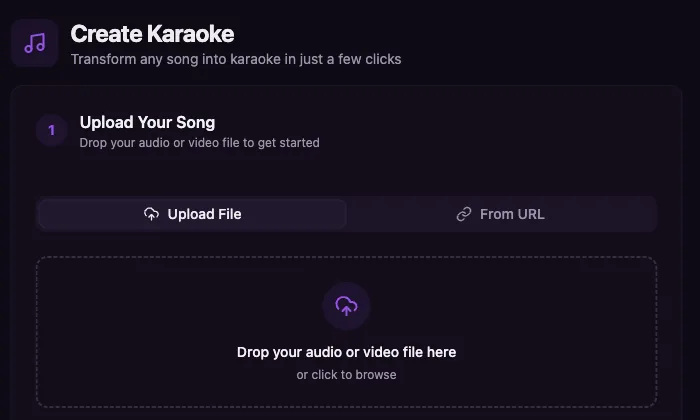
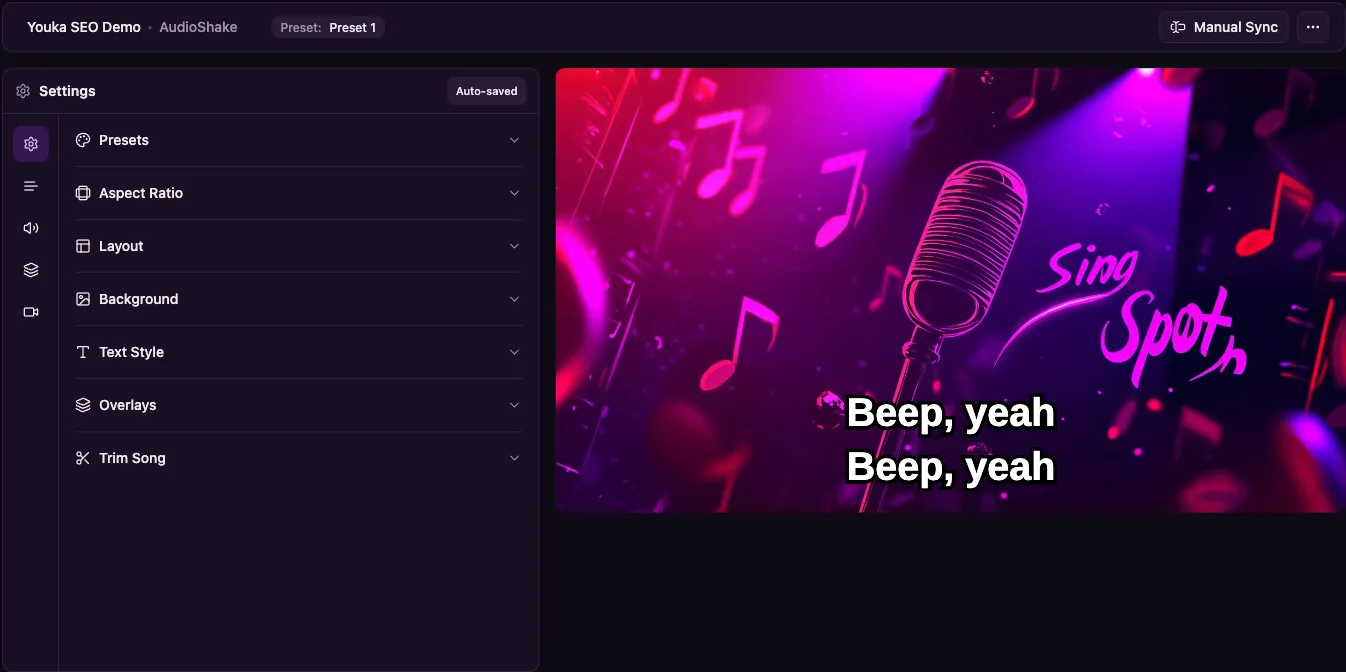
Make a finished karaoke video online when you need a playable MP4, not just an instrumental track or lyric sheet. Upload a song, music video, or backing track, add lyrics, let Youka remove the lead vocal and sync the words, then customize the timing, colors, background, and layout before export.
Use this AI karaoke video maker for YouTube sing-alongs, party screens, music practice, teaching, live events, or a personal karaoke library. The whole workflow stays in one browser project: source file, vocal removal, synced lyrics, visual editing, preview, and MP4 export up to 4K.
Start free with 15 credits. That is enough to test a real song, preview the synced lyrics, and export finished karaoke videos before buying more credits.
Demo Output
This frame was exported from a Youka karaoke video using an approved royalty-free sample track. It shows the practical output this page is about: readable synced lyrics, a finished visual background, and an MP4 you can share or play on a TV.
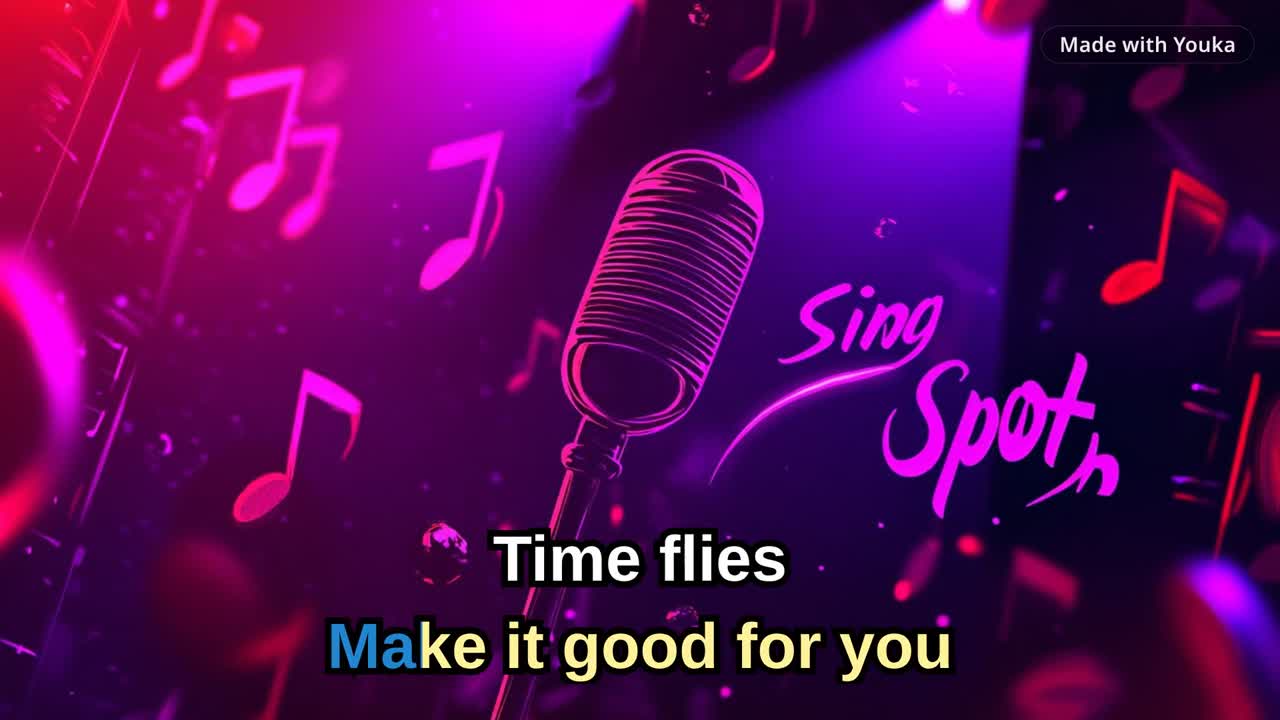
Demo music: Good For You by THBD, from Audio Library. Source: YouTube.
Quick Answer
To make a karaoke video, upload a song, add or find the lyrics, let Youka remove the lead vocal and sync the words, then customize the background, font, colors, and lyric timing before exporting an MP4 in up to 4K.
If you already have an audio file, start with MP3 to Karaoke. If you want the broader browser workflow, use the Online Karaoke Maker. If you need to create from a video URL, use YouTube to Karaoke with Youka Online and the Youka Extension.
For a complete video URL walkthrough, read How to Create Karaoke From a Video URL Online.
Comparing karaoke tools before you start? Read Youka vs MyKaraoke Video for pricing, URL workflows, AI model options, exports, and library playback.
Free to Start
New accounts get 15 free credits, enough to create approximately 3 karaoke videos. Use them to test a real song, preview the synced lyrics, and export a finished MP4 before deciding whether you need more credits or the Youka Extension for repeated local exports.
For plan details, see Free Karaoke Maker or compare the current pricing options.
When Paid Credits Make Sense
Start free if you are testing one song or comparing karaoke tools. Upgrade only after you have checked the lyric sync, vocal removal, visual style, and exported MP4 quality on a real track.
Paid credits make the most sense when you are building a repeatable karaoke workflow: a set of songs for practice, a DJ or host library, a YouTube channel, lessons, events, or custom requested tracks. You can keep each project in one browser workspace, fix timing and line breaks, reuse visual styles, and export finished videos without rebuilding the same work in a separate video editor.
If the first export proves the quality you need, buy credits for the next batch from the same workflow.
What You Can Create
- Karaoke videos with synced lyrics and an instrumental backing track
- Lyric videos with the original vocals kept in the mix
- Instrumental videos for practice, performance, or events
- Duet-style karaoke with different singer colors
- Custom branded karaoke videos with your own background, colors, logo, intro, or outro
How to Create a Karaoke Video
1. Choose a Source
Start with the best source you have:
- MP3, WAV, FLAC, M4A, or another common audio file
- MP4, MOV, MKV, AVI, or WebM video file
- Public video URL in Youka Online with the Youka Extension
- Existing instrumental track if you do not need vocal removal
Clean studio recordings usually give the best vocal removal and lyric sync. Live recordings, crowd noise, heavy effects, or very low bitrate files can need more manual cleanup.
2. Add Lyrics
You can paste your own lyrics or let Youka find lyrics automatically when available. Pasting clean lyrics usually gives the best result because the sync model has the exact words to align.
Before creating the video, remove extra headers, repeated metadata, timestamps, and unusual formatting from the lyrics. Short readable lines work better than long paragraph-style blocks.
3. Let AI Build the First Draft
Youka processes the song and creates a first karaoke draft:
- separates the lead vocal from the instrumental
- aligns the lyrics to the timing of the song
- prepares a lyric video timeline
- creates a playable preview
Most standard songs are processed in a few minutes. Longer songs or difficult recordings may take more time.
4. Edit Lyrics, Timing, and Layout
After the first draft, you can refine the karaoke video instead of starting over:
- fix lyric text
- adjust word or line timing
- change line breaks
- move lyrics higher or lower on screen
- choose one-line or two-line display
- assign duet singer colors
- preview the result before export
This is the difference between a rough auto-generated karaoke file and a video that people can actually sing from comfortably.
5. Customize the Video Style
Use the style controls to make the video fit the use case:
- solid color, image, video, or original-video background
- font family and text size
- active and inactive lyric colors
- outline and shadow for readability
- logo overlay
- intro and outro assets
- visual style presets
For karaoke playback on TVs or projectors, prioritize readable text over decorative effects. Large high-contrast lyrics are easier to sing from than thin type over busy footage.
If the finished video is for a living room, classroom, or event screen, use the focused TV-ready karaoke video guide before export.
6. Export the Finished Video
Export the finished karaoke video as an MP4 in up to 4K. You can use the file for:
- YouTube karaoke videos
- TikTok, Reels, and Shorts clips
- parties and home karaoke
- events, DJs, and venue playback
- music lessons and practice material
- personal karaoke libraries
You can also export audio-only files when you only need the instrumental track.
For destination-specific checks before you export a batch, use the karaoke video export settings checklist.
Choose Your Workflow
| Workflow | Best Choice | Why |
|---|---|---|
| Upload an MP3 or audio file | Youka Online | Fastest path in the browser |
| Create from a video file | Youka Online | Use the original video as visual source when useful |
| Create from a public video URL | Youka Online + Extension | Start from a URL in the browser |
| Build many karaoke files | Youka Online + Extension | Free local exports on supported systems |
| Quick test before committing | Youka Online | Good for fast previews and account-based projects |
Best Input Files
Use the cleanest version of the song you can find. For best results:
- prefer WAV, FLAC, or high-bitrate MP3
- avoid phone recordings and crowd noise when possible
- avoid files that already have heavy vocal effects baked in
- use accurate lyrics with repeated choruses included
- keep lyric lines short enough to read on a TV
If you only need to remove the vocal, see the Vocal Remover. If you want a synced lyric video without making a karaoke instrumental, see the Lyrics Video Maker.
Common Problems and Fixes
The vocals are still audible
AI vocal removal works best on clean studio recordings. If vocals remain, try a cleaner source file or keep the track as a lyric video instead of forcing a pure instrumental.
The lyrics are slightly late or early
Use the timing editor to shift lines or words. For group singing, lyrics often feel better when they appear just before the vocal starts.
The lyrics are hard to read
Increase the font size, add an outline, use stronger color contrast, and simplify the background. Karaoke videos should be designed for quick reading, not just visual style.
The exported file is too large
1080p MP4 is a practical default for YouTube, TVs, and events, with up to 4K available when you need it. If file size matters more than screen quality, use a shorter clip or a lower resolution where available.
Ready to create a karaoke video? Start with Youka Online.
For the full workflow, read How to Make a Karaoke Video.
Frequently Asked Questions
Can I make a karaoke video online?
Yes. Youka Online lets you upload a song, add lyrics, process the project, edit the result, and export a karaoke video from your browser.
Can I make a karaoke video from an MP3?
Yes. Upload the MP3, add lyrics, let Youka remove vocals and sync the words, then export the finished MP4.
Can I create a karaoke video from YouTube or another video URL?
Yes. Use Youka Online with the Youka Extension for public video URL workflows.
Can I create a lyric video without removing vocals?
Yes. Keep the original vocal track and use Youka for synced lyrics, styling, and export.
What video resolution is supported?
Youka exports karaoke videos as MP4 in up to 4K at up to 60fps, with 720p and 1080p options that work well for YouTube, TVs, projectors, and most event playback setups.
Can I use my karaoke videos commercially?
You can use videos you create with Youka, but you are responsible for having the rights to the music, lyrics, and any visual assets used in the final video.