
01
Karaoke
Mute the lead vocal and sing with the rest of the band.
Vocals0%
Drums100%
Bass100%
Other100%
Play a song in any Mac app. Turn down vocals, drums or bass to sing, learn a part or play along. No uploads or files to prepare.
30 minutes free · No card · Then $79 once for 2 Macs
macOS 15.6 or later · Apple Silicon and 64-bit Intel
Youka Live
Live
Mix
For listening and practice: separated audio plays about 3 seconds behind the source. Use speakers or wired headphones.
Lower or mute the lead vocal for singing and practice.
Pull back the kit or focus on the song's rhythm.
Bring the low end forward or make room for your playing.
Shape the remaining instruments to fit your mix.
Youka Live continuously separates your Mac's system audio into vocals, drums, bass, and other instruments. Adjust or mute every stem without preparing or uploading a file first.
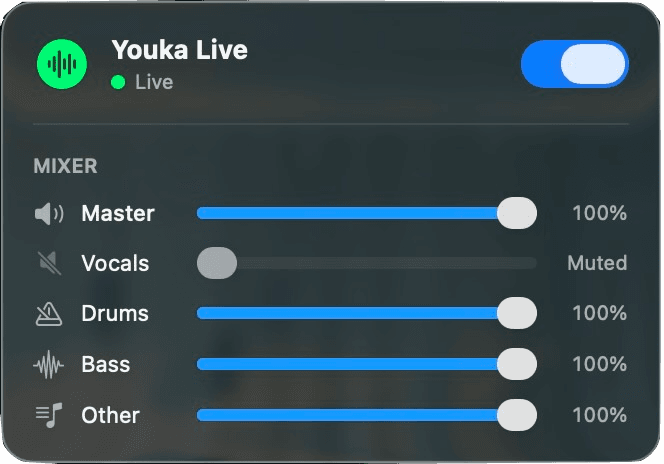
See the stem levels behind four useful starting points. Set the same sliders in Youka Live, then adjust any part while the song keeps playing.
Mute the lead vocal and sing with the rest of the band.
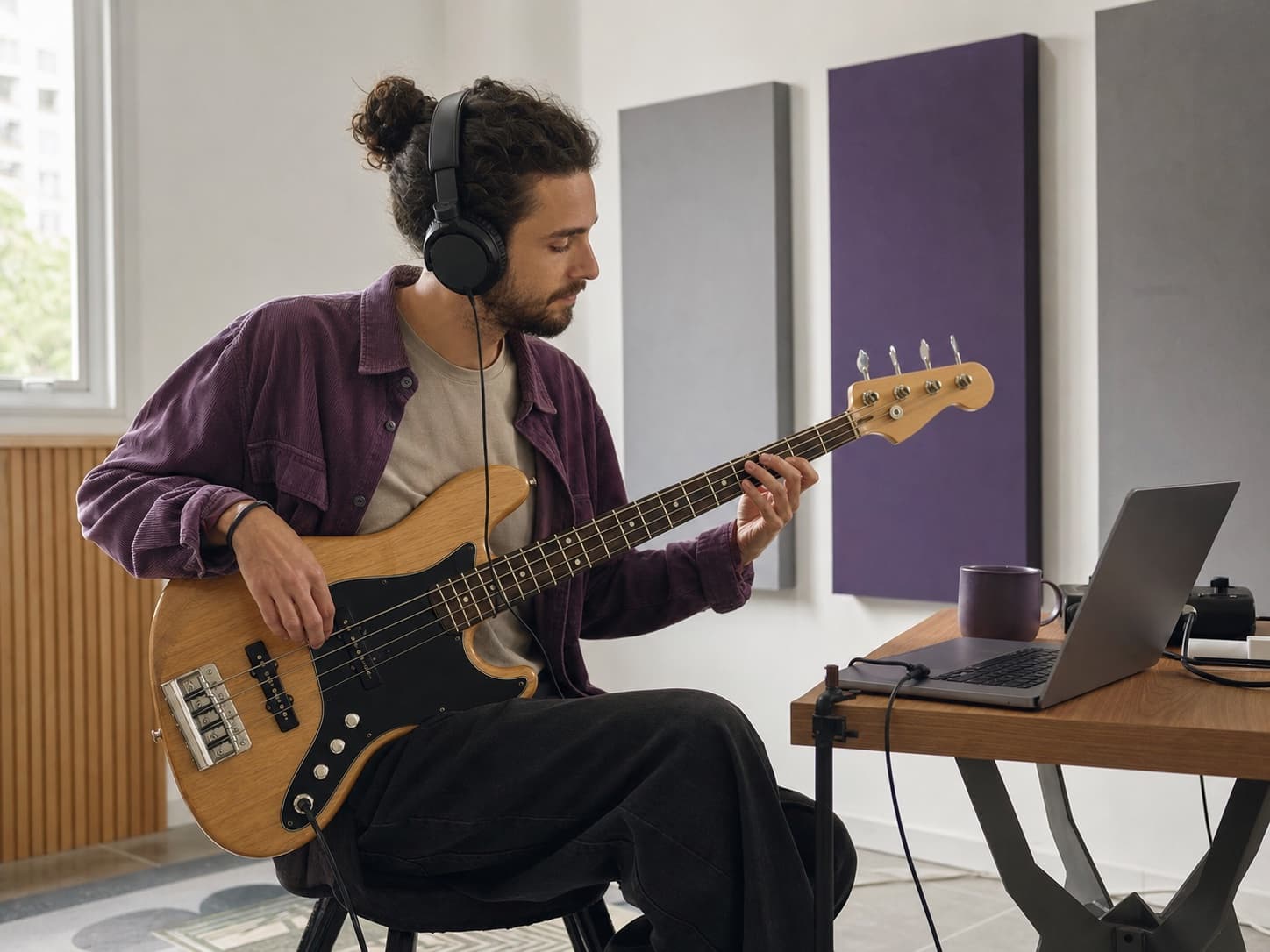
Mute the drums and play the part yourself.
Mute the bass and practice against the rest of the song.
Keep the vocal and mute the instrumental stems to study melody and phrasing.
Open the app, activate this Mac in your browser, and allow system audio in the guided setup.
Play anything — a stream in your browser or your own audio and video files in a media player.
Click the waveform in the menu bar, turn on Live, and adjust vocals, drums, bass, and other instruments.
Stem separation runs locally on your Mac. After installation, normal playback processing does not need an internet connection and your music is not uploaded for separation.
$79
Lifetime license · Up to 2 devices
Try 30 minutes of successful Live separation with no card and no calendar expiration. A single $79 payment gives you a lifetime license for the current app and model on up to two devices, with no subscription. A future model upgrade costs $29.99 when you choose to upgrade.
Yes. Stem separation runs locally on your Mac. After installation, normal playback processing works without an internet connection and does not upload your music.
No. Youka Live is a $79 single-payment lifetime license for the current app and model, with no monthly or annual subscription. The free trial includes 30 minutes of Live separation, does not expire by date, and requires no card.
One lifetime license can be activated on up to two devices.
Your $79 lifetime license keeps working with the current model. If a new model is released in the future, you can choose to upgrade it for a one-time $29.99 payment.
Youka Live captures system audio, so it works with browsers like Chrome and Safari, media players like QuickTime, VLC, or the Music app playing your own files, and any other app that plays through your Mac's audio output.
The current model adds approximately three seconds before separated audio is heard. Youka Live is continuous, but it is not a zero-latency stage-monitoring tool.
Bluetooth headphones and speakers can add their own noticeable output latency. Built-in speakers or wired audio provide the most predictable experience.
No. Youka Live is for controlling audio while it plays. Use the main Youka creation products when you need saved files or video exports.
Not yet. This release is available only for Macs running macOS 15.6 or later.
Try the native macOS app with your own music, offline processing, and four live stems.
Free trial · No card · One-time payment
We use cookies to analyze site traffic and improve your experience. Privacy policy