01
Skip the download-and-upload loop
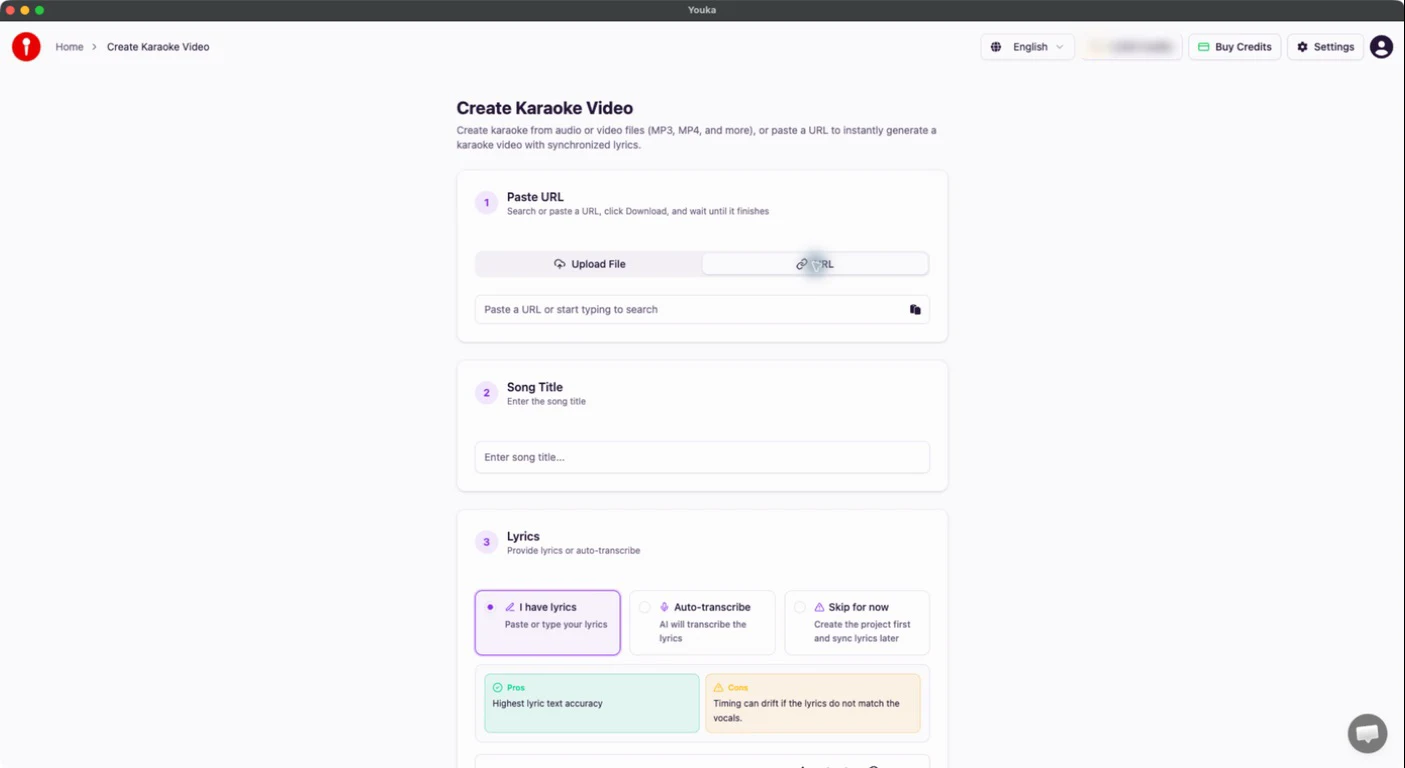
Paste a supported public video URL directly in Desktop and start the same Youka creation workflow without installing the separate Extension.
Create from URL
Youka Desktop
Create karaoke from a supported video URL, keep every project backed up online, export on your computer for free, and save finished karaoke for offline playback.
Inside Youka Desktop
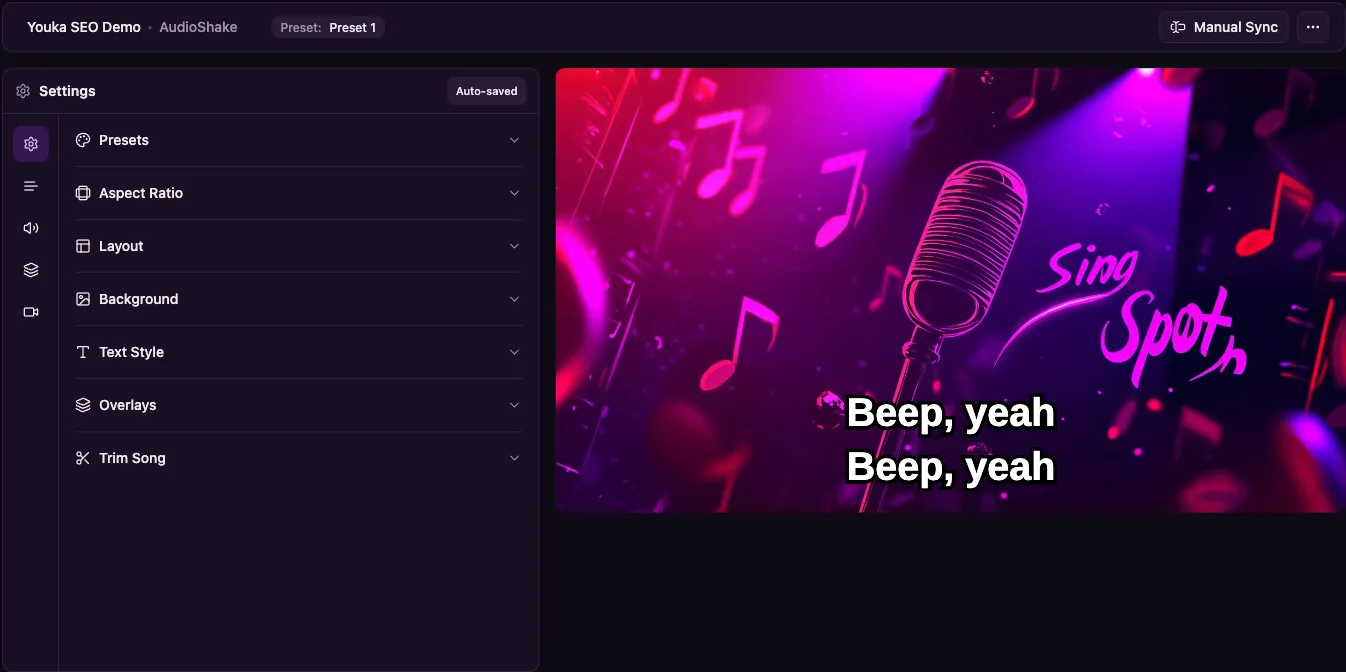
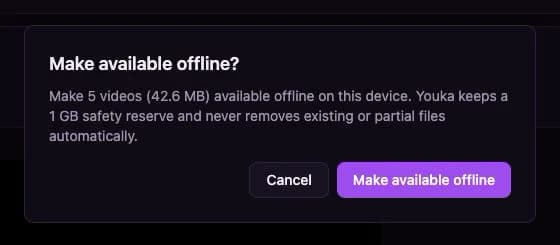
Actual Youka product screens show the creation and offline workflows; an original Youka illustration represents local export. Offline playback is an explicit choice for each finished karaoke.
01
Paste a supported public video URL directly in Desktop and start the same Youka creation workflow without installing the separate Extension.
Create from URL
02
Render and save the finished video on your computer without export credits. Karaoke creation and AI processing still use normal creation credits.
Free export

03
Choose the finished karaoke videos you want on this computer before you disconnect, then play them from Library without internet.
Offline playback
Choose your system
Download the current installer for Windows, macOS, or Ubuntu / Debian.
We use cookies to analyze site traffic and improve your experience. Learn more