Karaoke for Mac - Best Karaoke Software for macOS
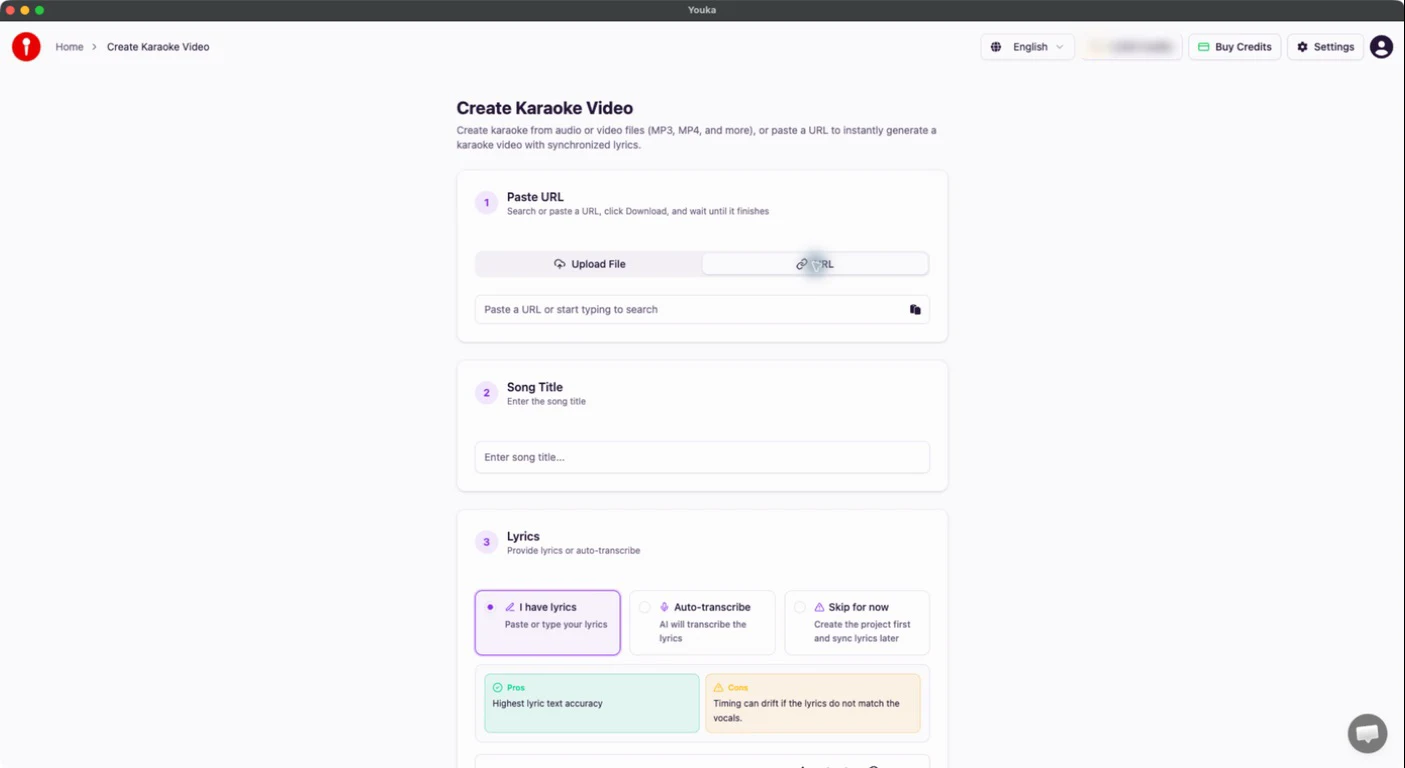
Create professional karaoke videos on your Mac with Youka. Our native macOS application is optimized for Apple Silicon and Intel Macs, delivering fast performance and seamless integration with your workflow.
Why Choose Youka for Mac
Native macOS Experience
Youka is built as a native macOS application, not a web wrapper. Enjoy smooth performance, native keyboard shortcuts, and integration with macOS features.
Apple Silicon Optimized
Running an M1, M2, M3, or M4 Mac? Youka runs natively on Apple Silicon for maximum performance and energy efficiency.
Create from YouTube URL
Paste any YouTube URL and create karaoke directly. No need to download videos separately - Youka handles everything.
Unlimited Free Exports
Unlike the online version, the desktop app for Mac lets you export unlimited karaoke videos once created. Pay only for the AI processing credits.
System Requirements
| Requirement | Specification |
|---|---|
| Operating System | macOS 11 (Big Sur) or later |
| Processor | Apple Silicon (M1/M2/M3/M4) or Intel |
| Memory | 4GB RAM minimum, 8GB recommended |
| Storage | 500MB for installation |
| Internet | Required for AI processing |
How to Install on Mac
Step 1: Download
Click the download button below to get the latest version of Youka for macOS.
Step 2: Open the DMG
Double-click the downloaded .dmg file to mount it.
Step 3: Install
Drag the Youka app to your Applications folder.
Step 4: Launch
Open Youka from your Applications folder or Launchpad. On first launch, you may need to right-click and select "Open" to bypass Gatekeeper.
Features
Full Karaoke Creation Suite
- AI-powered vocal removal
- Automatic lyrics synchronization
- Support for 50+ languages
- Create from audio files or YouTube URLs
Video Customization
- Custom backgrounds (images and videos)
- Font styling and colors
- Logo and intro video support
- Duet mode for multiple singers
Advanced Editing
- Key and tempo adjustment
- Precise sync editor
- Trim and cut videos
- Line break control
Export Options
- 1080p MP4 video export
- MP3 audio export
- Quick export presets
Mac-Specific Tips
Keyboard Shortcuts
Youka supports standard macOS shortcuts:
⌘ + N- New karaoke⌘ + E- Export⌘ + ,- PreferencesSpace- Play/Pause preview
Retina Display Support
Youka looks crisp on Retina displays with optimized UI scaling.
Dark Mode
Youka respects your macOS appearance settings and looks great in both light and dark modes.
Frequently Asked Questions
Is Youka free for Mac?
Youka is free to download and includes 15 free credits. Additional credits require a subscription starting at $9.99/month.
Does it work on older Macs?
Youka requires macOS 11 (Big Sur) or later. Older macOS versions are not supported.
Why does macOS say the app is from an unidentified developer?
Youka is signed and notarized by Apple, but on first launch you may need to right-click the app and select "Open" to confirm you want to run it.
Can I use Youka offline?
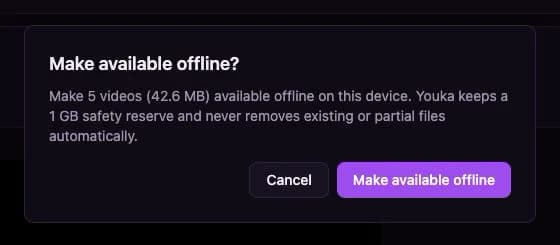
Youka requires an internet connection for AI processing (vocal removal and lyrics sync). Once a karaoke is created, you can play and export it offline.
How do I update Youka?
Youka checks for updates automatically. When an update is available, you'll be prompted to download and install it.
Is my data synced across devices?
Yes! Sign in with the same account on Mac, Windows, or online to access your credits and library.
Ready to create karaoke on your Mac? Download Youka for macOS
Need help? Check out our documentation or contact support.