Youka Online vs Desktop - Which Should You Use?
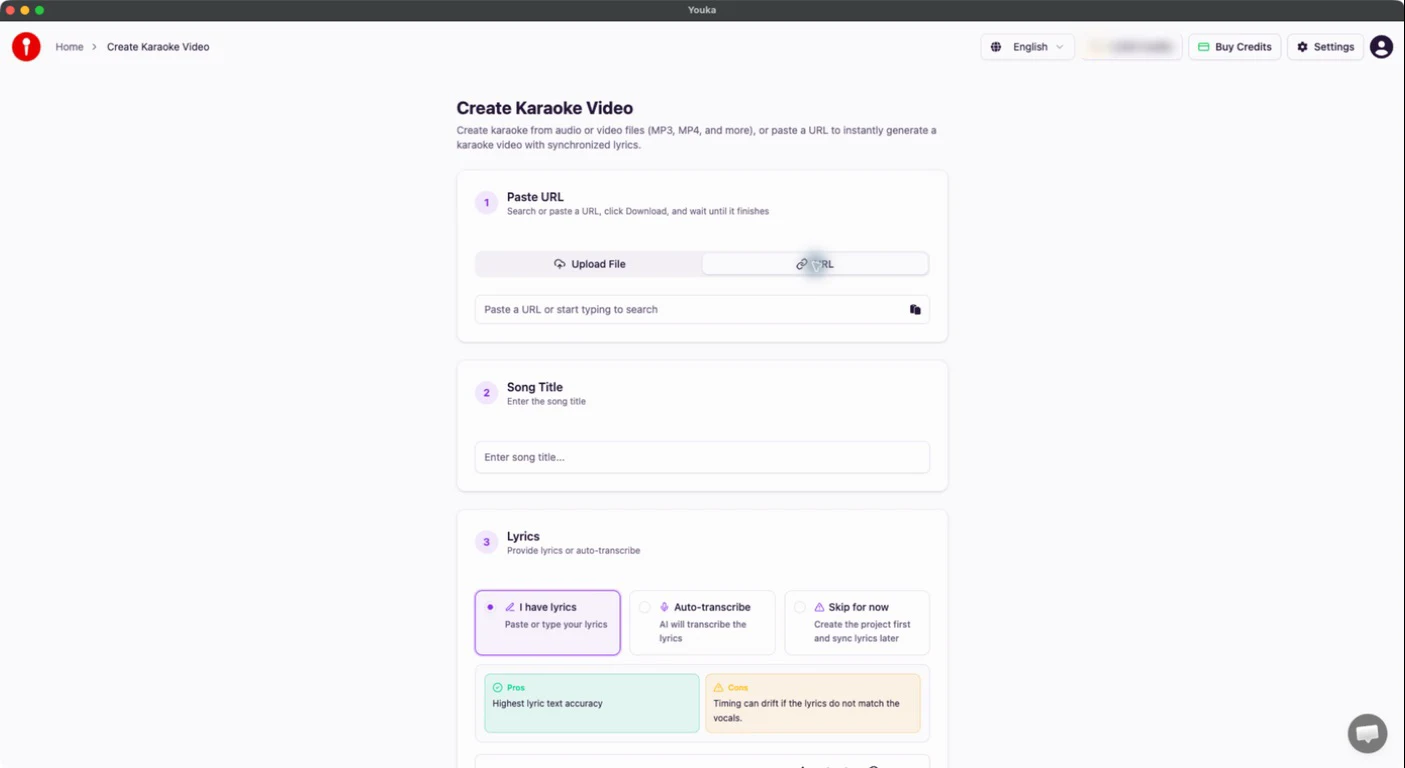
Youka Desktop brings the Youka Online creation experience into an installed app and adds three practical benefits: Create from URL, Free export, and Offline playback.
Most first-time creators should still start with Youka Online because there is nothing to install. Choose Desktop when those installed-app benefits fit the way you create and play karaoke.
Quick Answer
- Youka Online: the simplest browser workflow for uploading media, creating karaoke, editing lyrics and timing, and keeping projects available across devices.
- Youka Online + Extension: the Online editor plus supported video URL creation and free export on your computer.
- Youka Desktop: all of Youka Online in an installed app, with URL creation and free export built in, plus opt-in offline playback for selected finished karaoke videos.
What Youka Desktop Adds
Create from URL
Paste a supported public video URL directly into Desktop. The source is downloaded on your computer, but karaoke creation and AI processing still require an internet connection and normal creation credits.
Free Export
Render and save the finished video on your computer without using export credits. Creating the karaoke and running AI operations still use the normal credits shown before you start.
Offline Playback
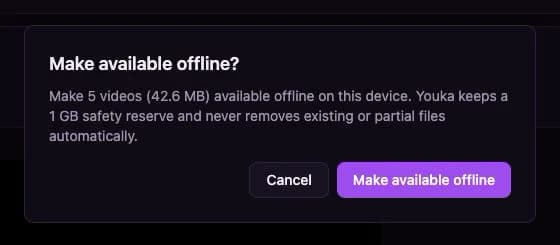
While connected, choose Make available offline on each finished karaoke you want saved on that computer. Those selected videos can then play from the Desktop Library without an internet connection.
Offline playback is not automatic: Desktop does not download your whole Library, and creating, editing, syncing, and AI processing remain online workflows.
Feature Comparison
| Workflow | Youka Online | Online + Extension | Youka Desktop |
|---|---|---|---|
| Install required | No | Extension | Desktop app |
| Upload audio or video | Yes | Yes | Yes |
| Create from a supported video URL | No | Yes | Yes, built in |
| Edit lyrics, timing, and style | Yes | Yes | Yes |
| Cloud export | Yes | Yes | Yes |
| Free export on your computer | No | Yes | Yes, built in |
| Play selected finished videos offline | No | No | Yes, after you choose each item |
| Access cloud projects across devices | Yes | Yes | Yes, while online |
Which One Should You Choose?
Start with Youka Online when you want the fastest first project or regularly move between devices.
Add the Youka Extension when you want to keep working in your browser and need supported video URLs or free export on your computer.
Download Youka Desktop when you want the complete Online workflow in one installed app, URL creation and free export without a separate Extension, or selected finished karaoke videos available for offline playback.
Already use the retired app? Youka Desktop Legacy remains available separately for existing users and recovery.