
Your download is starting
Youka Live 1.0.17 for macOS should begin downloading automatically.
If it does not start, download the DMG manually
Install Youka Live
- 1
Open the DMG
Open the downloaded Youka Live disk image from your Downloads folder.
- 2
Move it to Applications
Drag Youka Live into the Applications folder, then eject the disk image.
- 3
Open Youka Live
Launch the app from Applications. The Set Up Youka Live window opens automatically.
- 4
Complete the guided setup
Select Continue in Browser to activate this Mac. After you return, select Enable System Audio and approve the macOS prompt.
Finish setup in Youka Live
The app guides you through Computer Activation and System Audio Access in order. Open Youka Live becomes available after both steps are complete.
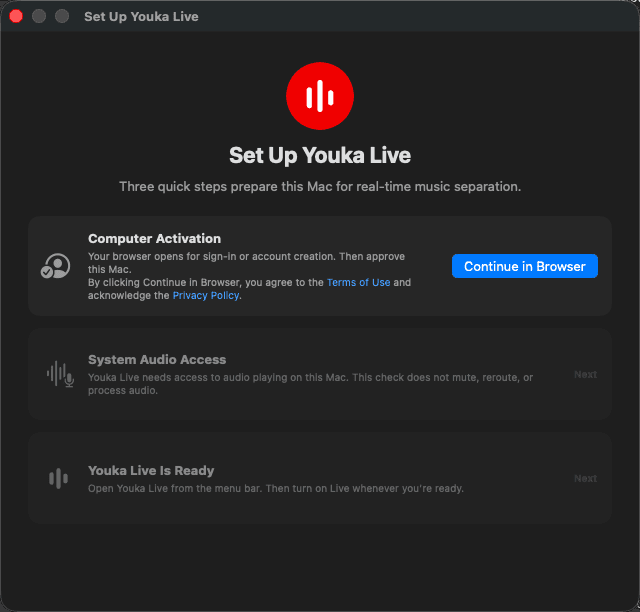
If you close setup before finishing, open Youka Live again from Applications to continue.
Open the mixer
Click the waveform in the menu bar, turn on Live, and adjust vocals, drums, bass, and other instruments.
Four mixes to try first