Create Karaoke on Mac with Youka Desktop
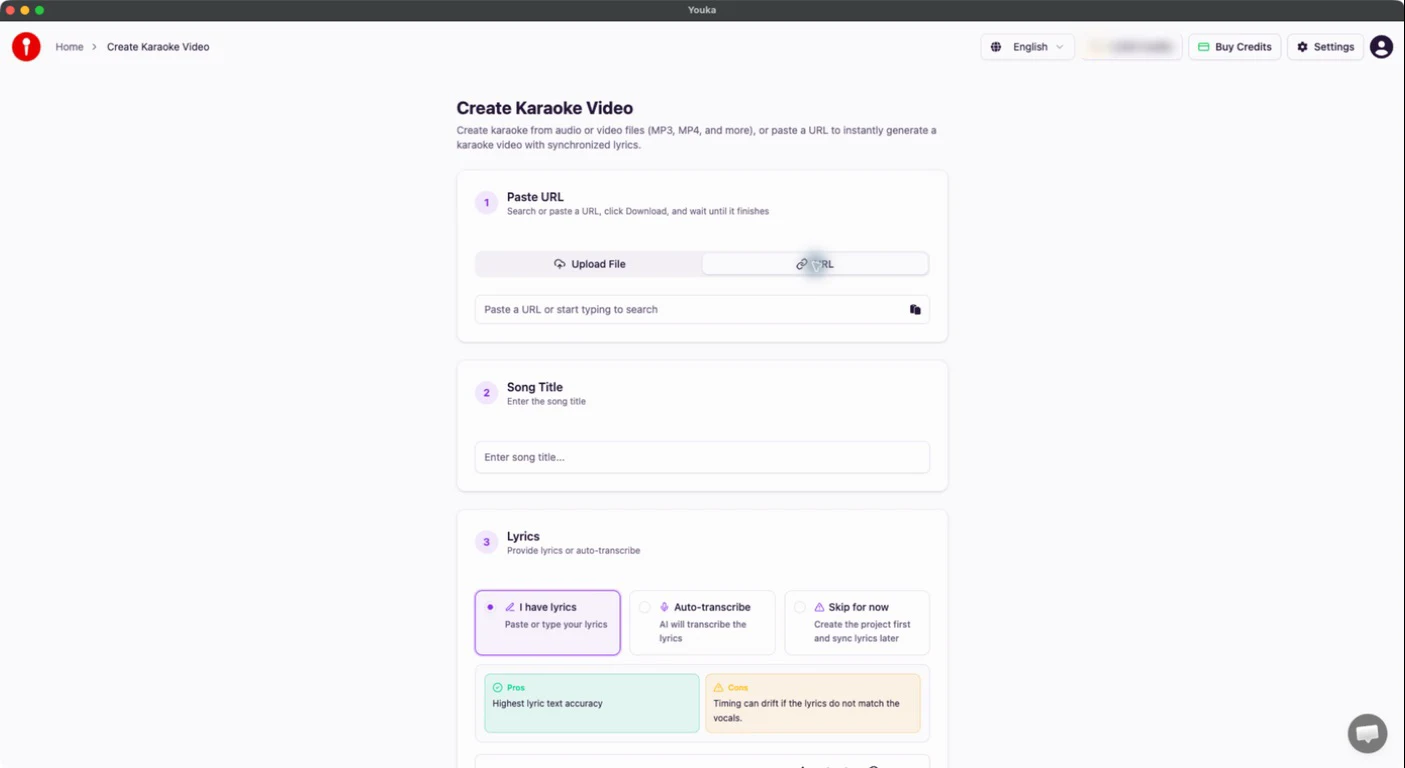
Youka Desktop gives you the complete Youka Online workflow in an installed Mac app, with Create from URL, Free export, and Offline playback built in.
Download Youka Desktop for macOS
What Desktop Adds on Mac
Create from URL
Paste a supported public video URL directly into the create form. You do not need to install the separate Youka Extension inside Desktop.
Free Export
Render the finished karaoke video on your Mac and save it without export credits. AI creation and processing still use normal credits and require internet.
Offline Playback
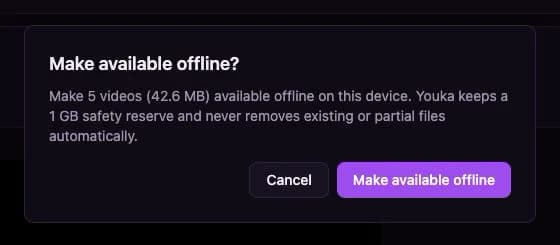
Choose Make available offline for each finished karaoke you want saved on this Mac. Once saved, that video can play from the Desktop Library without internet. Desktop does not download your whole Library automatically.
macOS Requirements
| Requirement | Specification |
|---|---|
| Operating system | macOS 11 or later |
| Processor | Apple silicon or Intel |
| Internet | Required for sign-in, creation, editing, and AI processing |
| Offline use | Playback of finished videos explicitly saved on this computer |
Install Youka Desktop
- Open the Youka Desktop download page.
- Download the universal macOS installer.
- Open the DMG and drag Youka Desktop to Applications.
- Open Youka Desktop and sign in with the same account you use Online.
Desktop or Browser?
Use Youka Online when you want to start immediately without installing software. Use Youka Desktop when URL creation, free export on the computer, or selected offline videos matter to your workflow.
See the full Online, Extension, and Desktop comparison, or download Youka Desktop.