Unleash Your Creativity: Customizing Karaoke Lyric Videos for a Unique Vibe!
Youka enables personalized karaoke lyric videos with customizable styles, AI-powered lyric syncing, and vocal separation, enhancing performances for users, musicians, and event hosts.
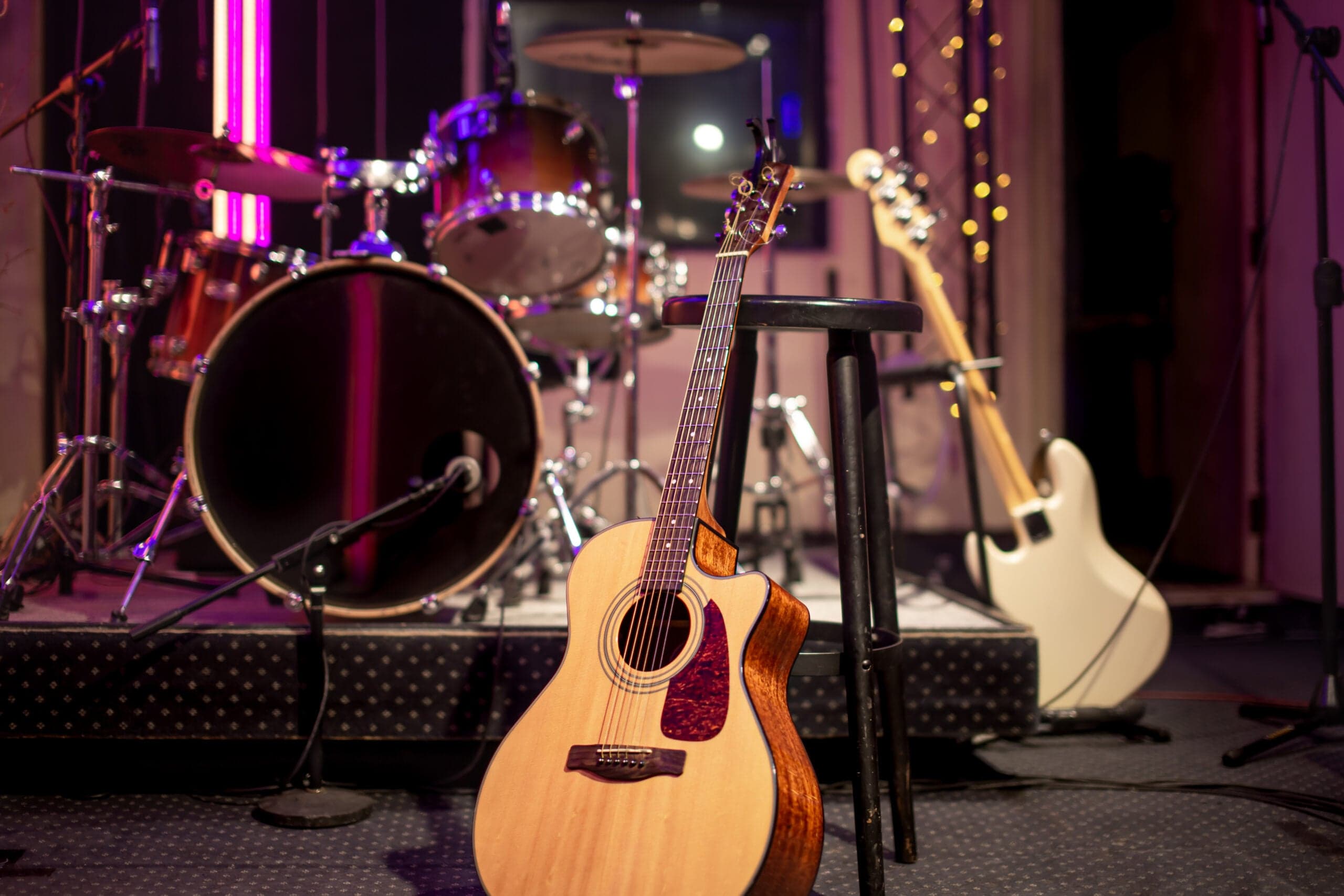
Your karaoke videos should be as unique as your voice. With Youka's powerful customization tools, you can create lyric videos that stand out and reflect your personal style. Let's explore how to make your karaoke creations truly one-of-a-kind.
The Power of Customization
Generic karaoke videos are boring. When you customize your lyric videos, you create an experience that's memorable and engaging. Here's why customization matters:
Express Your Personality
Your music choices say a lot about you, and your karaoke videos should too. With Youka, you can:
- Choose backgrounds that match your mood
- Select fonts that reflect your style
- Pick colors that pop on screen
- Add your personal logo or branding
Create Professional-Quality Content
Whether you're creating content for social media or hosting an event, professional-looking videos make a difference. Customization tools help you achieve that polished look without needing design experience.
Customization Features in Youka
Youka offers a comprehensive suite of customization options to make your lyric videos shine.
Background Options
Set the perfect backdrop for your performance:
- Solid colors: Simple and clean
- Images: Use photos that match your song's theme
- Videos: Dynamic backgrounds for extra impact
Typography Choices
The right font can transform your lyric video:
- Choose from various font styles
- Adjust text size and positioning
- Set colors for lyrics, wipes, and outlines
- Create contrast for easy reading
Branding Elements
Make your videos recognizable:
- Add your logo
- Include intro videos
- Maintain consistent styling across all your content
Tips for Great Lyric Videos
Here are some pro tips to make your customized karaoke videos stand out:
Match the Mood
Choose backgrounds and colors that complement the song's emotion. A melancholy ballad deserves different styling than an upbeat party anthem.
Keep It Readable
While creativity is important, lyrics need to be easy to read. Ensure sufficient contrast between text and background, and don't over-complicate your design.
Be Consistent
If you're creating multiple videos, develop a consistent style. This builds recognition and makes your content look more professional.
Test Before Sharing
Always preview your finished video. Watch it through completely to catch any timing issues or design problems.
Taking Your Creations Further
Once you've crafted your perfect lyric video, the possibilities are endless:
- Share on social media platforms
- Use at karaoke parties and events
- Build a content library for your channel
- Create custom videos for friends and family
With Youka's customization tools, every karaoke video becomes a creative expression. Start experimenting with different styles and discover what makes your content unique!
Create your own karaoke or lyric video: Use the Lyrics Video Maker when you want synced words over the original vocal, or the Karaoke Video Maker when you want a sing-along instrumental. You can also start online, compare free credits, or use the desktop app for Windows or Mac.