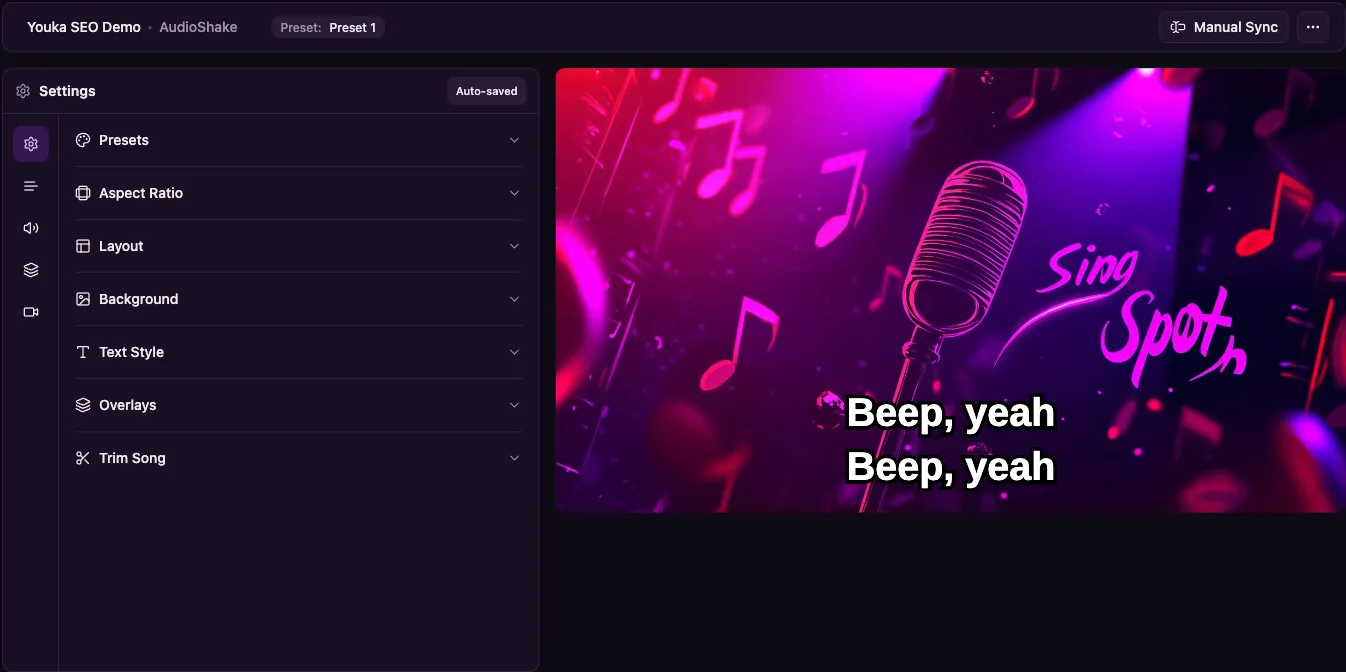
Youka vs PowerKaraoke
Compare Youka's browser workflow with PowerKaraoke's AI Karaoke Video Creator for Windows. Both offer AI synchronization and manual correction; the main differences are platform, license and workflow.
Last checked October 14, 2026
At a glance
| What matters | Youka | PowerKaraoke |
|---|---|---|
| Where it runs | Browser; extension adds local features | Installed app for Windows 10/11, 64-bit |
| URL download / import | Free URL downloads with the Youka Extension | Documented workflow starts from MP3 or WAV files |
| Lyric timing | AI synchronization with model choice and manual corrections | AI synchronization and manual word/line correction |
| Exports | Free local exports on supported systems with the extension; cloud exports use credits | Video rendering in the installed Windows app |
| Output | Karaoke and lyric videos; local export supports up to 4K | MP4, WebM, AVI and MPEG, up to 4K |
| Payment model | Subscriptions with creation credits | Perpetual license; one year of updates included |
- Where it runs
YoukaBrowser; extension adds local features
PowerKaraokeInstalled app for Windows 10/11, 64-bit
- URL download / import
YoukaFree URL downloads with the Youka Extension
PowerKaraokeDocumented workflow starts from MP3 or WAV files
- Lyric timing
YoukaAI synchronization with model choice and manual corrections
PowerKaraokeAI synchronization and manual word/line correction
- Exports
YoukaFree local exports on supported systems with the extension; cloud exports use credits
PowerKaraokeVideo rendering in the installed Windows app
- Output
YoukaKaraoke and lyric videos; local export supports up to 4K
PowerKaraokeMP4, WebM, AVI and MPEG, up to 4K
- Payment model
YoukaSubscriptions with creation credits
PowerKaraokePerpetual license; one year of updates included
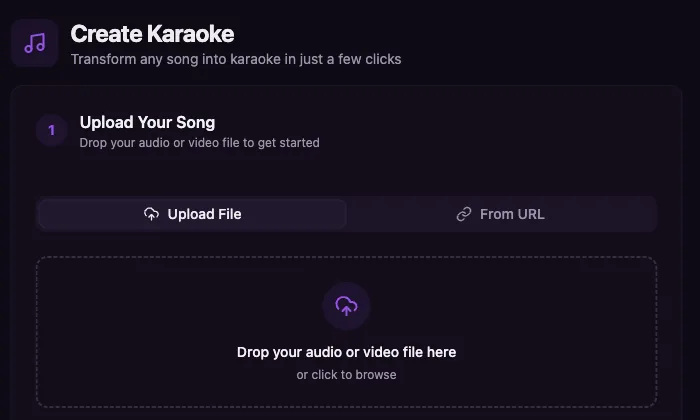
Inside Youka Online
See the workflow before you start
Click a screenshot to open Youka Online and try the same create-to-studio flow in your browser.
Which tool fits your workflow?
Choose Youka when…
You want to start in the browser, use a Mac, choose AI models or download supported URLs without download credits. Install the extension when you need free local export.
Choose PowerKaraoke when…
You want an installed Windows editor with a perpetual license, local processing and CDG/BIN import. Its current AI version also synchronizes lyrics automatically.
Compare the cost of your actual workflow
Youka monthly plans: Basic $9.99 / 100 credits, Standard $19.98 / 200 credits, Pro $29.97 / 300 credits. New accounts get 15 free credits.
PowerKaraoke AI Karaoke Video Creator: $149 perpetual license with one year of updates; a $29 ten-day license is also listed.
All prices are USD. Credits are counted differently between products. Include creation, URL imports and your selected export method when comparing costs.
Youka pricingTest one song before switching
Use the original soundtrack and lyrics to build a new Youka project. Existing CDG/BIN imports and PowerKaraoke project files are reasons to keep that editor if they are essential to your work.
Use the same recording and lyrics in both tools. Review timing and vocal removal, style the lyrics, then play the exported file on your intended screen. AI results depend on the recording and may need corrections.
Start with 15 free creditsSources and scope
We make Youka. Competitor details come from the linked public documentation, not a hands-on benchmark. Check current plans before buying.